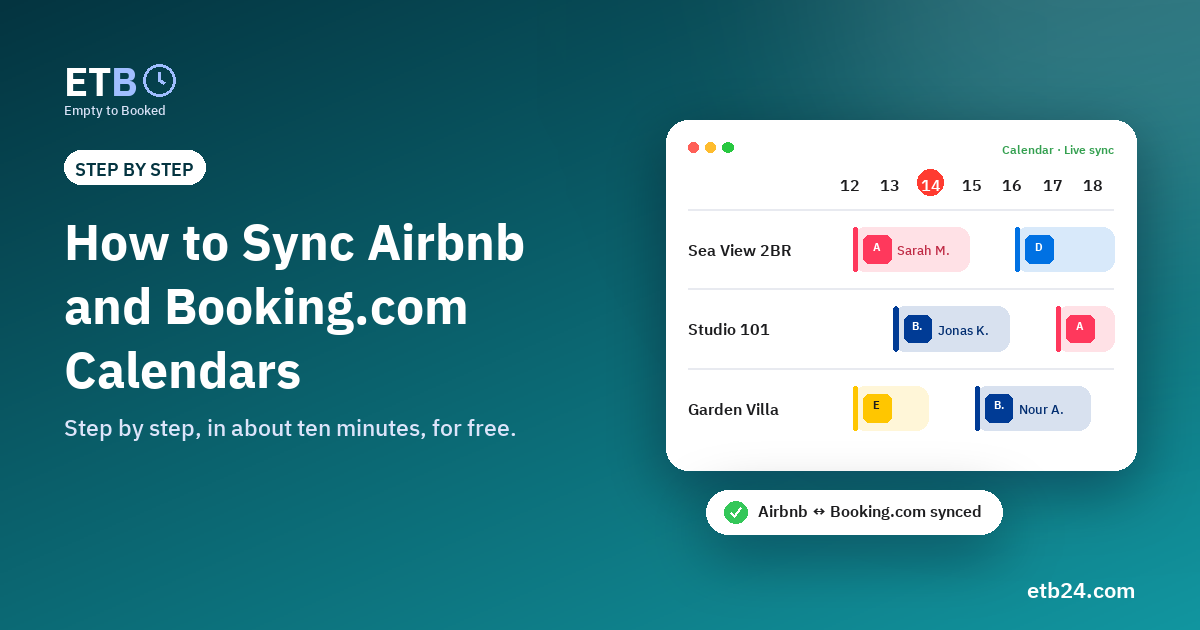
Airbnb and Booking.com don't talk to each other. If your apartment is on both, every booking on one has to be closed on the other, or you risk selling the same night twice. The fix is free and takes about ten minutes: link the two calendars with iCal.
This guide shows the exact steps, the mistakes that break the sync, and a simpler setup when you have more than two platforms or take direct bookings.
Before you start
You need:
- Access to your Airbnb host account and your Booking.com Extranet.
- About 10 minutes per listing.
- The calendar link of each listing. An iCal link is a long private address, usually ending in
.icsor containingical. It is not the address of the page you are looking at.
The most common mistake: copying the address from the browser bar while you are on the calendar page. That opens a page that needs your password, so no other system can read it. Always use the Export link the platform gives you.
Step 1: Get the Airbnb calendar link
- In Airbnb, open Listings and choose the listing.
- Go to Availability (or Calendar → Availability settings).
- Find Connect calendars (sometimes Sync calendars).
- Choose Export calendar and copy the link. It contains
/calendar/ical/.
Step 2: Get the Booking.com calendar link
- In the Booking.com Extranet, open Rates & Availability.
- Choose Sync calendars.
- Pick the room or unit and choose Export calendar.
- Copy the link. It starts with
https://ical.booking.com/.
Menu names change from time to time, but the options are always on the listing's calendar or availability page.
Step 3: Link them
Option A: directly to each other (two platforms only)
- In Airbnb, choose Import calendar and paste the Booking.com link.
- In Booking.com, choose Import calendar and paste the Airbnb link.
This works for two platforms. Add Expedia or Vrbo and you need six links per unit, and your direct bookings still aren't covered.
Option B: through one central calendar (recommended)
- In ETB, add your apartment as a unit.
- Connect Airbnb and paste the Airbnb link. Connect Booking.com and paste the Booking.com link.
- ETB gives you an export link for each platform. Paste it into that platform's Import calendar.
Now every booking on Airbnb closes the dates on Booking.com and the other way round. Direct bookings and dates you close for maintenance close on both too.
Step 4: Check it works
- Close one night in Airbnb that you don't need, and wait.
- Check that it appears as unavailable on Booking.com. Platforms read calendar links on their own schedule, so allow from a few minutes to a few hours.
- In ETB, each platform's card shows when it last read your link. If it says "not read yet" after a day, check the link was pasted into the right listing.
Mistakes that break the sync
- Pasting the page address instead of the export link (see above).
- Linking one direction only. Each platform must import the other's calendar.
- Mixing up listings. With several units, label each link carefully. Unit 101's link must not go into unit 102.
- Deleting and re-creating a listing without updating the links. A new listing has a new link.
- Expecting it to be instant. iCal is near-real-time, not instant. For last-minute nights, keep a small buffer, for example a same-day cut-off.
Frequently asked questions
Does iCal sync prices and guest names?
No. It shares which nights are booked or blocked. Add guest details and prices in ETB if you want them in one place.
Is it free?
Yes. iCal is free on Airbnb and Booking.com, and ETB's calendar sync is free for unlimited units.
Can I add Expedia or Vrbo the same way?
Vrbo and many vacation-rental listings on Expedia offer Import & export in their calendar settings. Expedia hotel listings usually don't offer a calendar link.
Set it up in five minutes: create a free ETB account and connect Airbnb and Booking.com through one calendar.